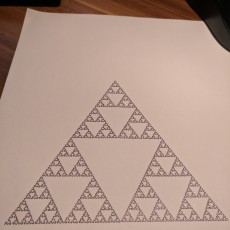
Prusa MK3 Pen Plotter
by hauschka
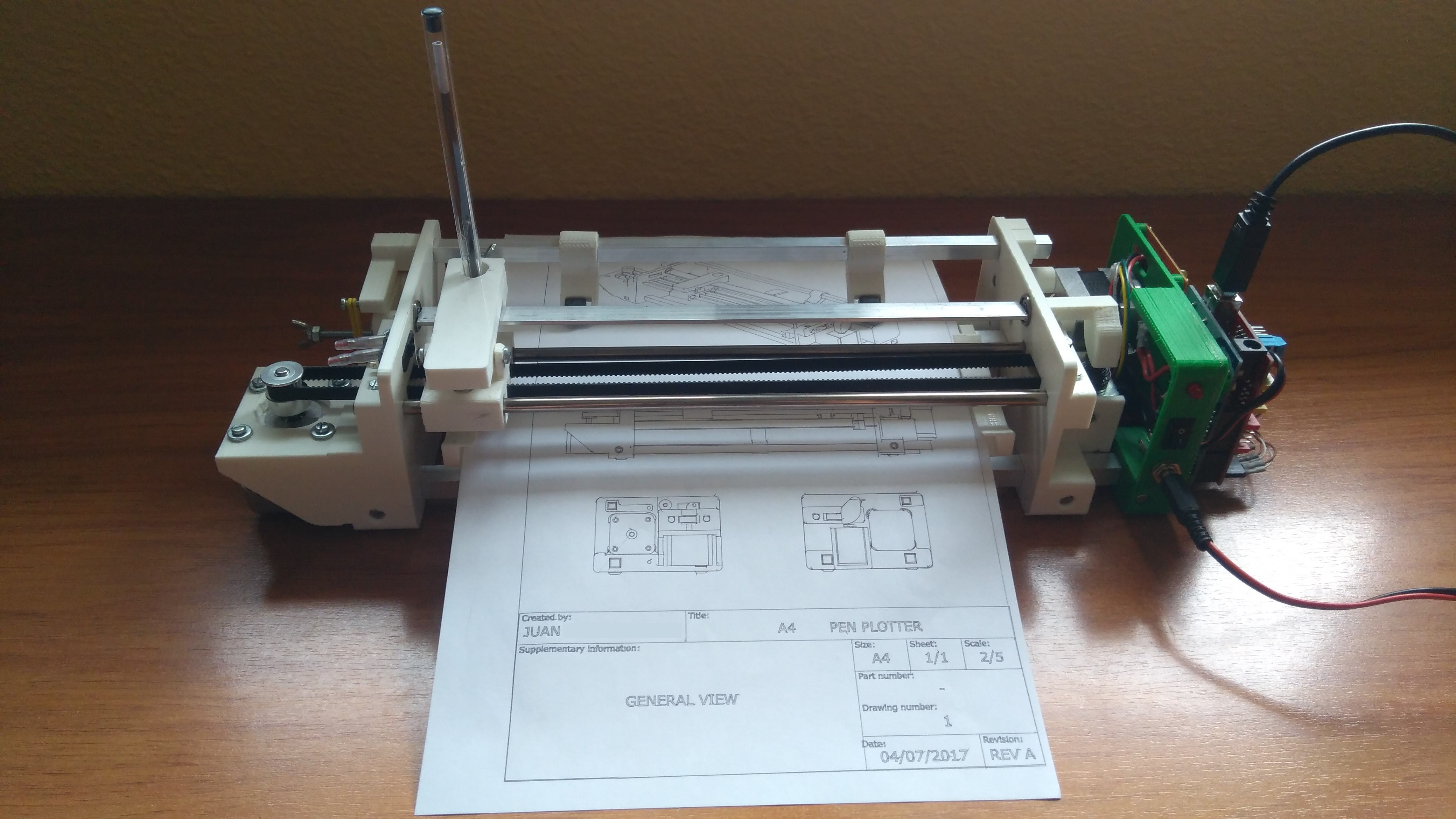
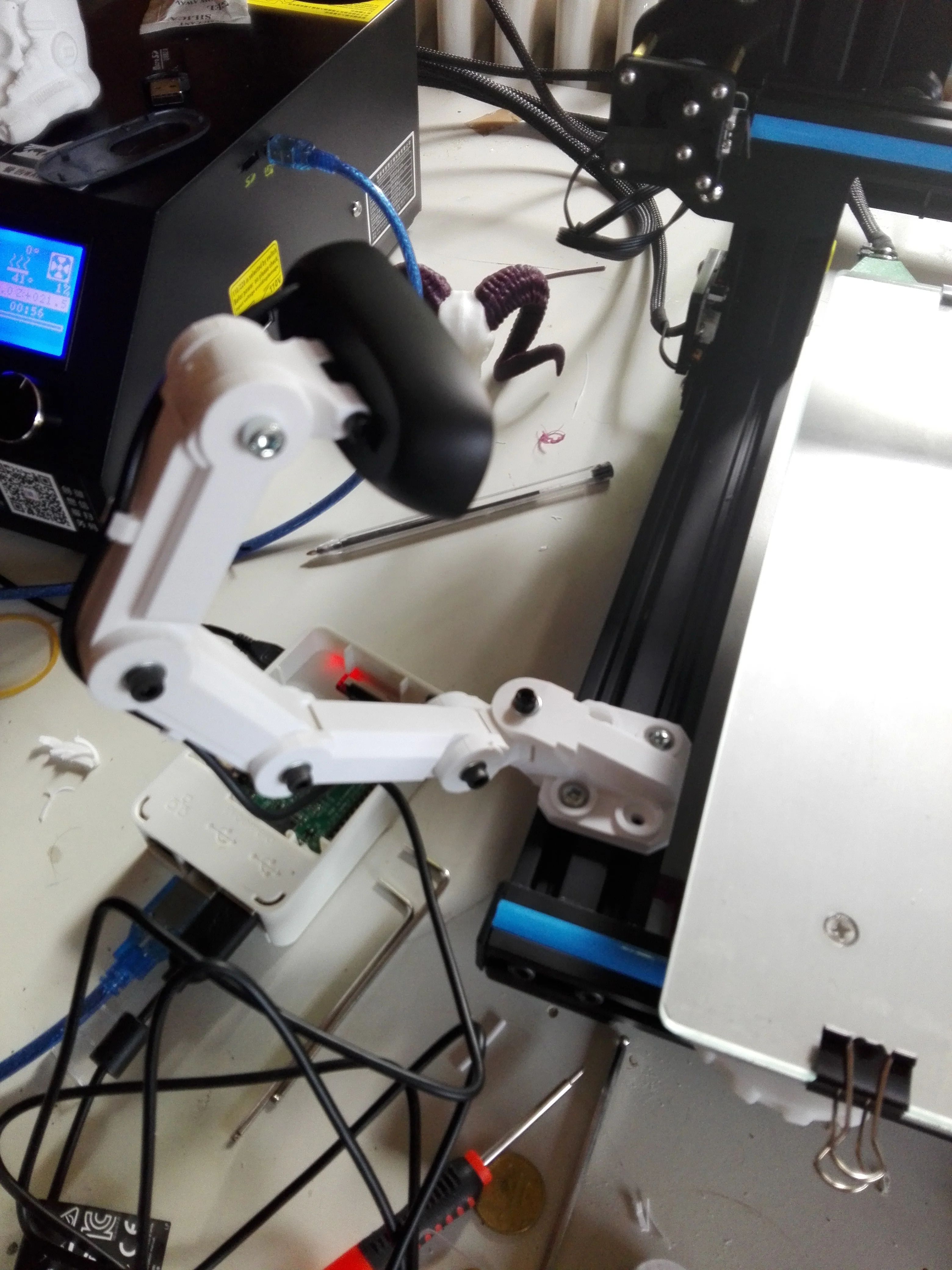
Prusa MK3 Pen Plotter This submission is part of the Pimp my original Prusa design competition. For Christmas, I have decided to automate the tedious task of writing holiday cards. With a pen plotter, such as the AxiDraw machine ranging between $475 and $800, I decided that my Prusa can do just the same. The purpose of this mod was to be able to use the Prusa as both, an FDM printer and a pen plotter without making major changes to your printer or when switching between the 2 printing modes Modfication Fort his mod, the nozzle fan plate was modified based on the latest revision (R3/B7) of the extruder parts offered on the Prusa website. This way, only a single screw must be unscrewed to fit the new part. The location won’t interfere when switching printing modes while still providing enough mechanical stability to hold the pen. Remarks The smaller part holds the pen in place with 2 M3 screws and nuts. However, I have found that 2-3 rubber bands work just as well. Especially at the beginning, you might want to use these instead to avoid damaging crashes between the pen and the print bed until you familiarize yourself with the setup. How to use your new plotter Open Inkscape and set the document size to 210 x 210 mm (File > Document properties) Drag your image into Inkscape and choose Path > Object to Path (or Stroke to Path depending on your initial image) Go to Extensions > Gcodetools > Path to Gcode… Under Preferences, set your file name (e.g. test.gcode) and set a path. Then go back to the first tab and click apply Turn on your printer, start Repetier-Host and click on Connect (Prusa will reboot) Remove the PEI sheet, place several sheets of paper on the printing area and fix them with magnets. In the manual control tab, send the G-code “G28 W” to home your printer Use the jog controls to slowly bring the Z-height down and move in X/Y until you see some pencil marks on the paper. Then send “G92 Z0” to set this as your new Z home position. Move the printhead to the

%2Fhttps%3A%2F%2Ffbi.cults3d.com%2Fuploaders%2F14082404%2Fillustration-file%2F44e4b391-0309-4a05-ae99-b03926e49878%2FIMG_2964.jpg)
%2Fhttps%3A%2F%2Ffbi.cults3d.com%2Fuploaders%2F13033599%2Fillustration-file%2F8e10bf40-733a-4340-ab27-d5770344c5da%2Fcomplete.jpg)