
Perfect, parametric bricks and more!
by VanessaE
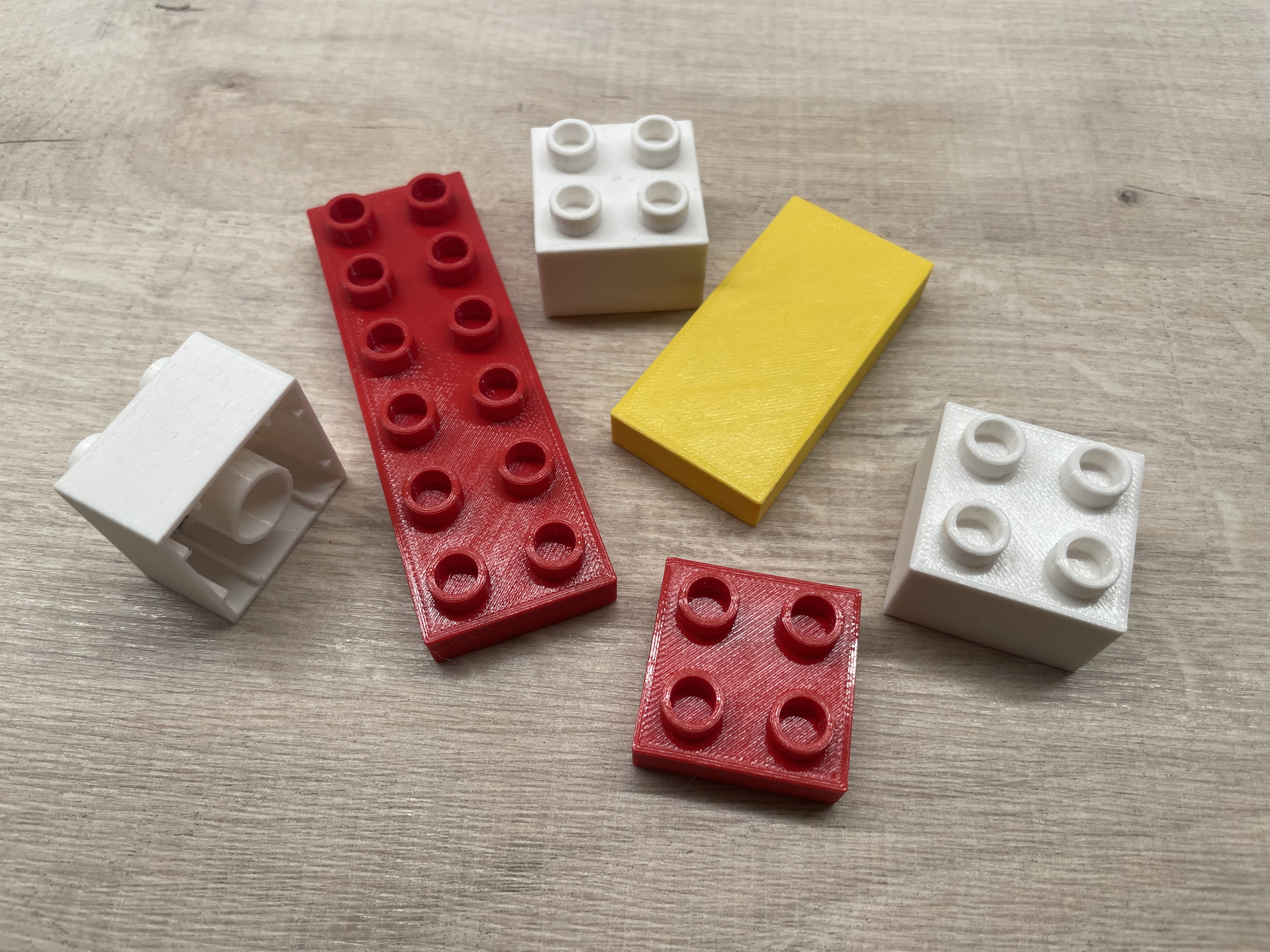
This project implements fully-parametric generators for bricks/plates/tiles, modern liftarms/beams, slopes/roof pieces, and more, creating parts compatible with LEGO, Tyco, Mega-Blok, and other directly-related construction toys. In addition to a representative (but by no means exhaustive) selection of ready-to-print bricks and such, you'll also find tons of gears and other Technic parts, a handful of wheels and tires, and a fair amount of almost-custom/borderline-special parts. Every important parameter or dimension can be adjusted - brick wall thickness, stud diameter, axle dimensions, pin hole diameter, and a whole lot more. Many parameters are global and affect all parts within the project file which use those parameters, and most parts across the project have a number of “local” settings of their own, as well (which is how you set things like a brick's dimensions, whether it's round, has holes, etc). This project is split into several separate Blender files - brick generator, slope generator, beam generator, special bricks/plates, various special/less-common beams, axle generator, gears, wheels/tires, other misc. Technic parts, and pneumatic parts. The misc Technic file also contains the gears that bear clutches (since they spin freely on an axle, and thus mostly can't be used as conventional gears). In addition to those files is the global settings master file, which all others draw at least some settings, materials, or standardized shapes from. To generate a new part or change an existing part, first load the Global Settings file and change whatever settings you need to, as appropriate, and save the file. Then, open the project file that contains the actual part(s) you want to work on, select the part you want to change, edit its parameters in the “Object Properties” tab (or in the “N” Sidebar), and export the result to a new model file. All project files behave in a similar manner, though the extra settings that you could change
%2Fhttps%3A%2F%2Ffbi.cults3d.com%2Fuploaders%2F35845712%2Fillustration-file%2F61a63770-4ed6-47eb-9d1a-462cd89274c6%2F1-%25D0%2592%25D1%2596%25D0%25B4%25D0%25BD%25D0%25BE%25D0%25B2%25D0%25BB%25D0%25B5%25D0%25BD%25D0%25BE.jpg)
%2Fhttps%3A%2F%2Ffbi.cults3d.com%2Fuploaders%2F16671292%2Fillustration-file%2F46631187-fb1c-4a3e-ab08-32729069079d%2FWT32-SC01plus-i1dplus-brick-2mm-edge-v104-logo-info.png)
%2Fhttps%3A%2F%2Ffbi.cults3d.com%2Fuploaders%2F16671292%2Fillustration-file%2F762027ea-ac87-4976-84c2-39ab78a46f93%2FWT32-SC01plus-i1dplus-brick-2mm-edge-angled-v104-render-front-logo-info.png)
%2Fhttps%3A%2F%2Ffbi.cults3d.com%2Fuploaders%2F16671292%2Fillustration-file%2F7648f1e1-16e6-4867-a419-d178338e3889%2FWT32-SC01plus-i1dplus-brick-1mm-edge-v104-logo-info.png)