EInk Tap Handle
by loidolt
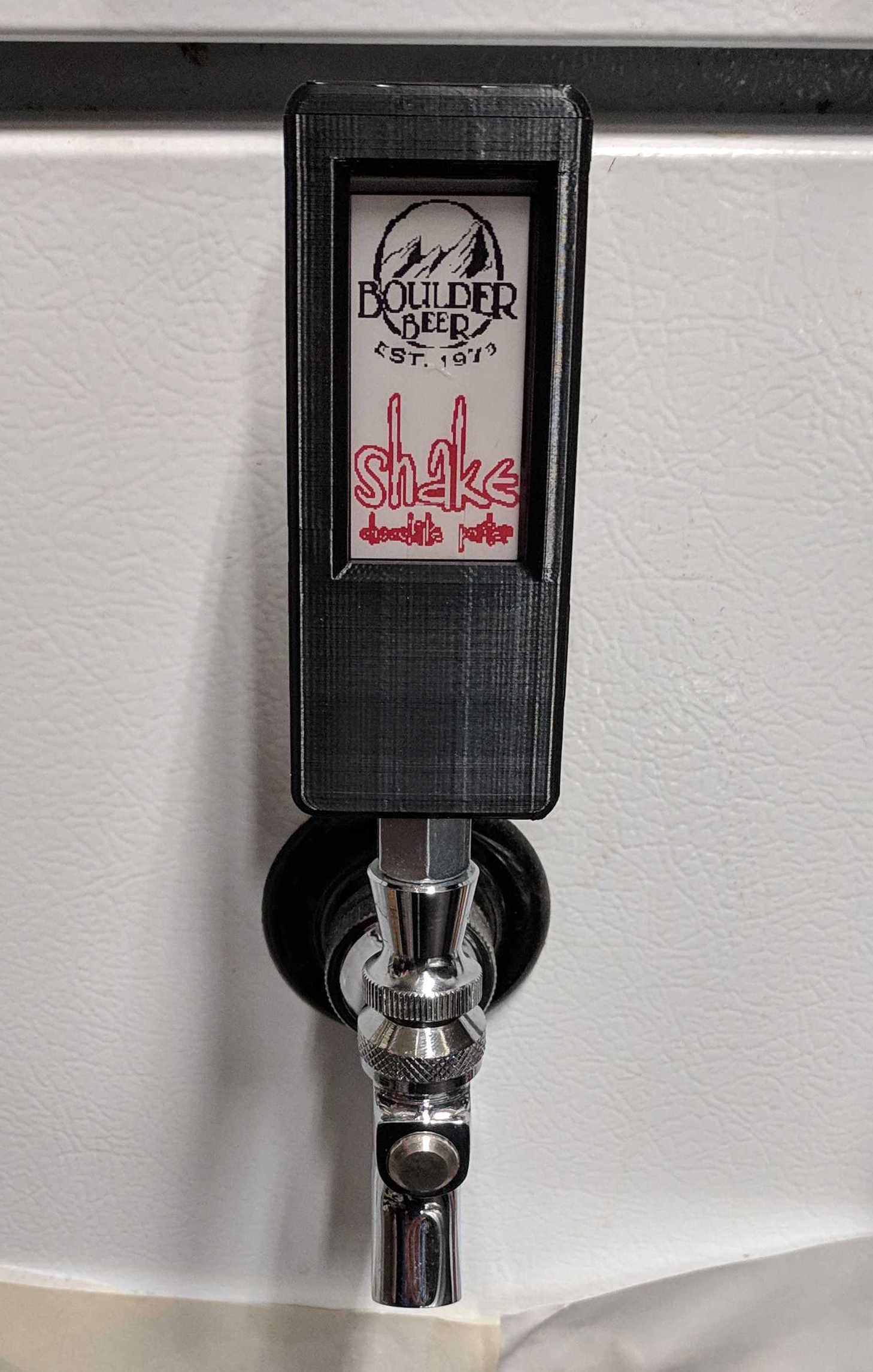
General Info I set out to solve the problem my brother was facing with his kegerator of wanting to display the kind of beer currently in the keg without leaving a cap out or creating labels. Thanks to the Waveshare 2.7inch Passive NFC-Powered E-Paper Module, this was actually quite easy. Since this display is powered through the NFC field itself during display updates, there is no need for a battery, recharging, wireless connection for updates, or any maintenance whatsoever. It does require an app to update, but it is fairly easy to use and doesn't restrict what you can display or charge a subscription. The eink module drops into place and doesn't require screws (they pass through the case). The outer bezel then fits over top and is secured around the perimeter using stainless steel countersunk M3 machine screws. Technologies Fusion 360 Hardware Waveshare 2.7inch Passive NFC-Powered E-Paper Module https://amzn.to/3SRAICG 10mm Countersunk Stainless Steel M3 Machine Screws Usage Ensure you have the iOS or Android app: Android App iOS App 1. Take a photo of the existing beer label, download a label, or create one manually 2. Open the NFC E-Tag app and select the display size of 2.7inch e-Paper 3. Select the photo or graphic using the Pictures button 1. Note, you can also manually create a quick label using the text function if a label is not available 4. Click the graytone style you prefer (this will be reflected in the output image, personal preference) 5. Hold the phone's NFC transmitter up to the display until the loading bar completes. The display will flash and update, this process takes a few seconds but don't remove the phone early or you will have to start the upload process over.
Similar models