Tapo H200 Smart Hub wall mount - Wandhalterung
by WeirdCan
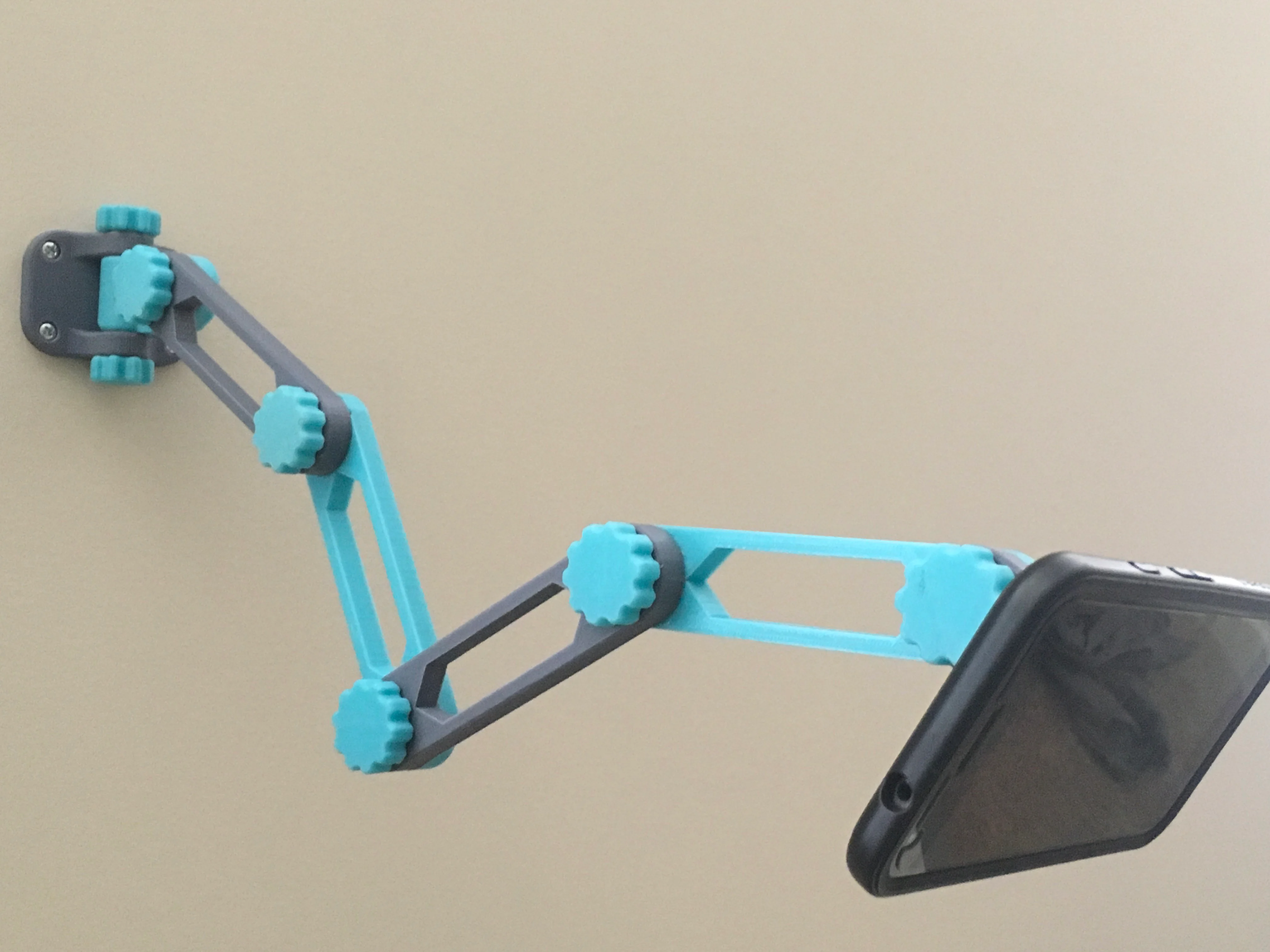
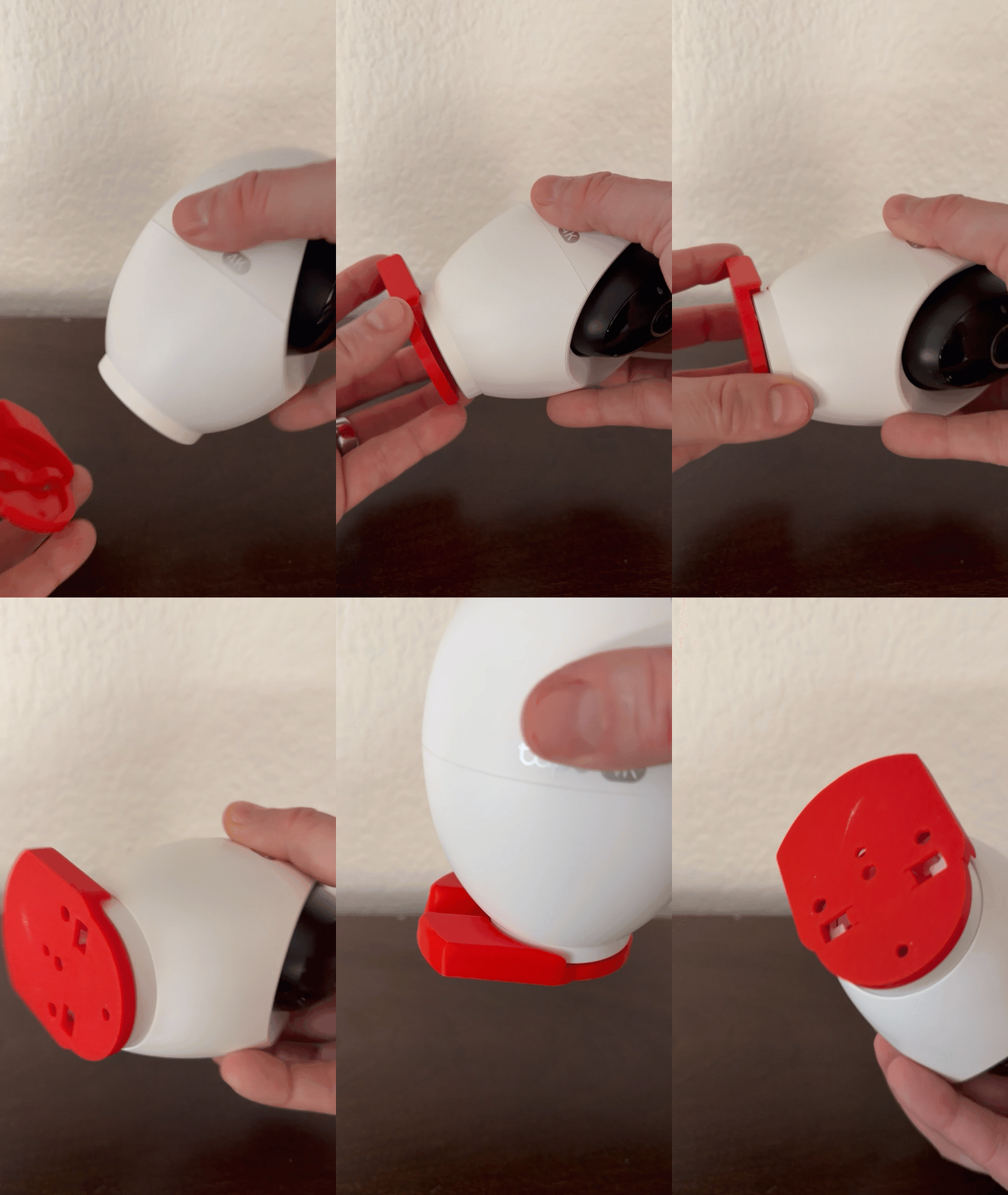
When I bought the Tapo D230S1 door bell with the Tapo H200 smart hub I was quite irritated, that the hub (which is also the bell) had no mounting options. Quite weird for a household door bell. So I made a mount. :-) Base optionsBase singleYou'll only need this mount, no cover. Just stick the H200 into it. It's simple and fast to print but you'll see all the cablesBaseThis base is for the three different covers, definitly the more professional looking version than 'base single'. Cover optionstopNice looking and easy to print. The spacing of the slats matches the look of the H200 exactly.top shine throughSame as top, but the slots between the slats and the logo are holes so you get a glimps of the cables. It has a more three dimensional look.top complexVery difficult to print but the most professional look.The photos show the version "shine through" but in the end I went for the normal version. Post-PrintingYou'll need an M3 screw for mounting the cover to the base. The base can be mountet with any screw you see fit. How I Designed ThisI used TinkerCad for designing this. Feel free to fiddle with my designs as long as you stick to the licence agreement.https://www.tinkercad.com/things/e3BfckC3ZPx-tapo-h200-smart-hub-wall-mount-wandhalterung TP-Link LogoThe rights to the TP-Link logo used are obviously the property of TP-Link.
%2Fhttps%3A%2F%2Ffbi.cults3d.com%2Fuploaders%2F37286001%2Fillustration-file%2Fc859f1c4-88d0-4cbe-bc0e-6b8008f56578%2FWhatsApp-Image-2026-05-08-at-20.32.20.jpeg)