%2Fhttps%3A%2F%2Ffbi.cults3d.com%2Fuploaders%2F16941119%2Fillustration-file%2F9caf0e43-0fcf-4454-aeb5-7495d8534a76%2Fv.jpg)
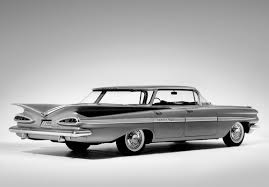
1974 Chevrolet Impala Sport Sedan
by SKM_AUTO
Hello everyone! On this website we share STL files for 3D printing. We love that you use our models to create amazing things. However, it is important to note that print results may vary depending on your printer settings and cutting software. Important note: All models in our catalog are hollow inside. If you want to print a solid model, you must add the "supports on all sides" option in your cutting software. If a model does not work correctly on your printer: - Try solidifying the model. This will increase the wall thickness and may help avoid printing problems. - Be sure to check the thin walls option in your cutting software. This is especially important for models with fine details. Some popular cutting programs and their thin wall options: - Cura: "Thin Walls" - Simplify3D: "Thin Walls". - Slic3r: "Enable Thin Walls" In general, it is advisable to start with a thin wall configuration and adjust as needed. Thank you for your understanding! We hope you enjoy our models and can create amazing 3D prints. If you have any questions or need help, please feel free to contact us. Happy printing! Additional tips: - Print a small size proof before printing the full model. This will help you make sure that the print settings are correct. - Use a high quality filament. This can improve print quality and reduce the likelihood of problems. - Calibrate your 3D printer regularly. This will help ensure accurate print results. Clarification on images: It is important to note that the color rendered images shown on the web do not always match the model sketch 100%. This is because the rendered images are created using simulation software that can take some creative liberties. The model sketch, on the other hand, is a more accurate representation of what the printed model will look like. Therefore, we recommend that you use the model sketch as your primary reference when printing the model. Original editable file: For those who wish to have full control over the model and make mo
Similar models
%2Fhttps%3A%2F%2Ffbi.cults3d.com%2Fuploaders%2F24863530%2Fillustration-file%2Fe7c6a6e0-2572-44e8-ae28-a5c1bac6cf17%2FCHEVROLET_MALIBU_CLASSIC_1974_A0004.jpg)
%2Fhttps%3A%2F%2Ffbi.cults3d.com%2Fuploaders%2F14870270%2Fillustration-file%2F5d6ba5b0-4381-4d7d-bd3c-2a93d50f8a44%2F1.jpg)
%2Fhttps%3A%2F%2Ffbi.cults3d.com%2Fuploaders%2F22554404%2Fillustration-file%2F993e9924-ab28-4f1f-b755-482e5a405962%2Fb1_.png)

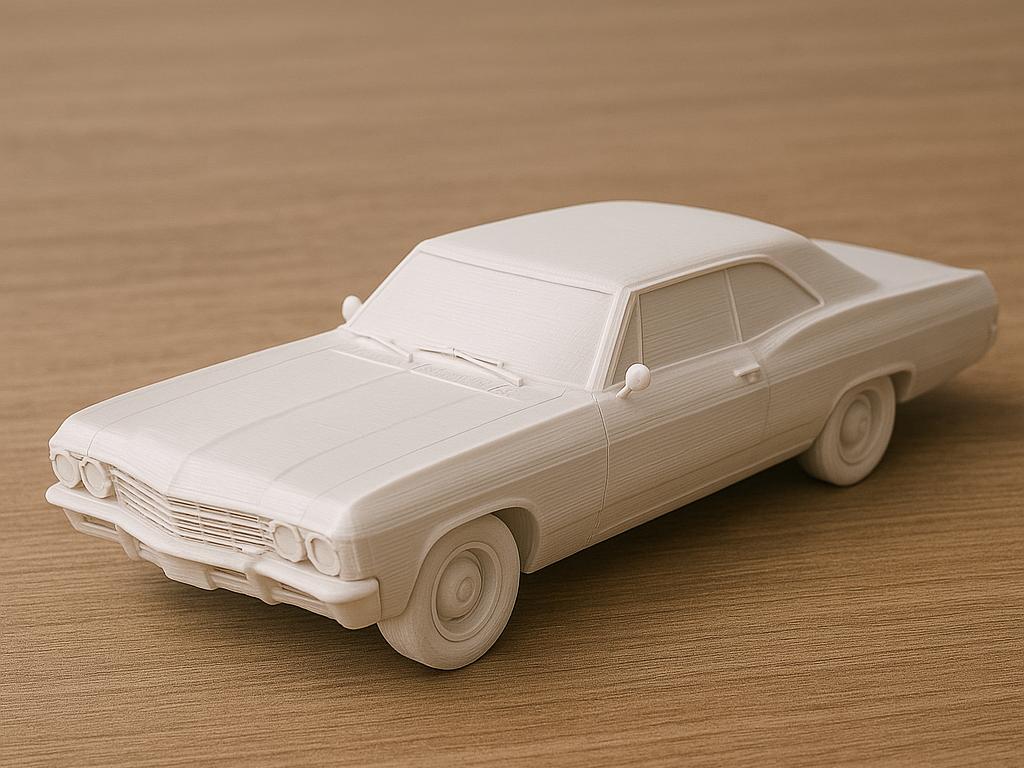

%2Fhttps%3A%2F%2Ffbi.cults3d.com%2Fuploaders%2F17275498%2Fillustration-file%2F3bb54b29-fee1-4821-a597-fe10ccc4a088%2FCHEVROLET-MONTE-CARLO-1974-3D-PRINT-MODEL1.png)